Improved Feature: Custom Buttons & Banner Colors
Previous state: Announcements used Supered's default action button text and, for banners, Supered's default colors.
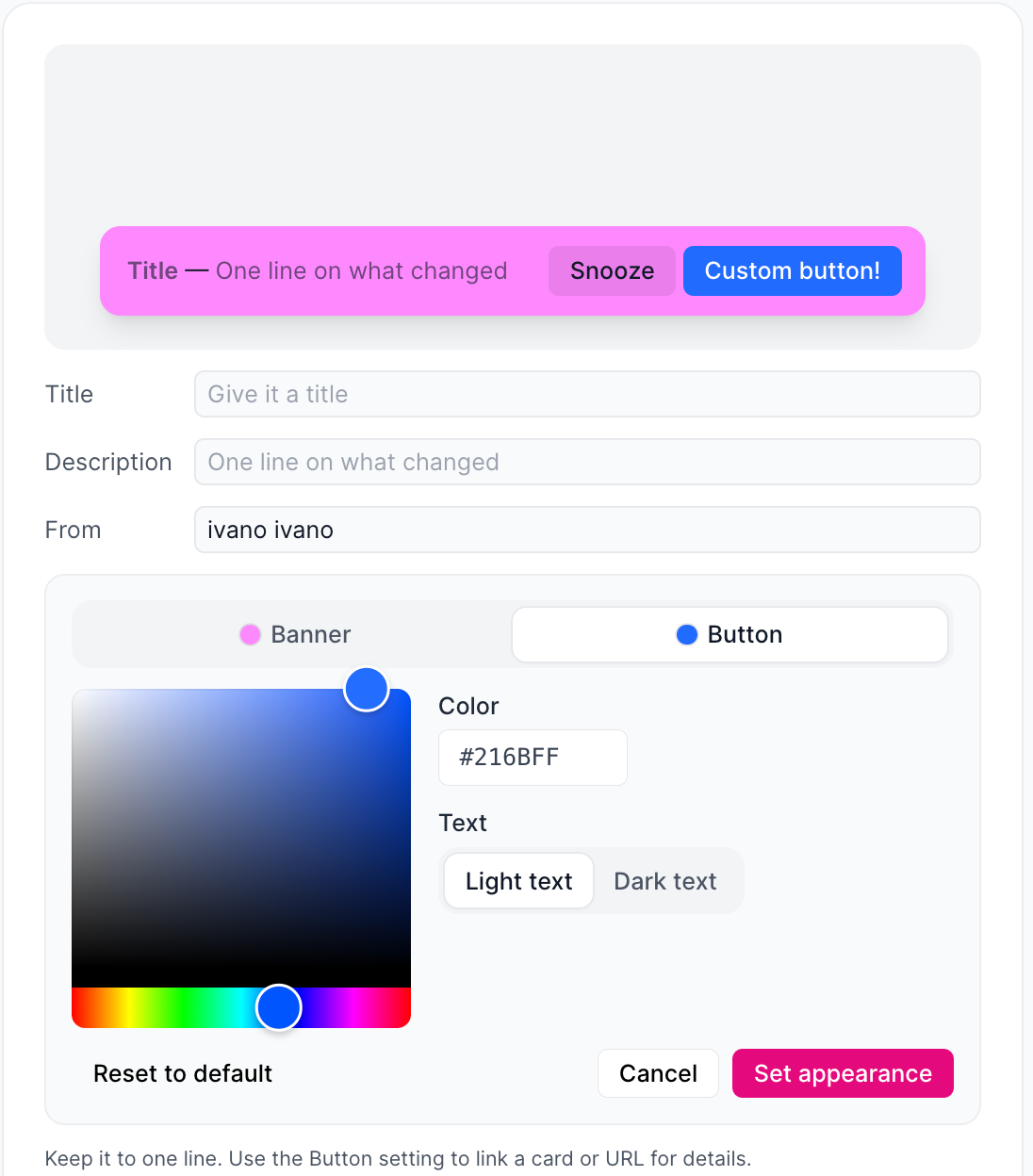
Improved state: You can customize the action button text on all announcement types, and the colors of banner announcements.
What's new
Custom button text: Set your own text on the action button (for example "Fill out the form") for pop-up, slide-in, and banner announcements. It also shows in emailed announcements.
Banner appearance: Choose the background color, text color (light or dark), button color, and button text color.
Reset to default: Return a banner to Supered's default look in one click.
Preview: See the banner exactly as designed before publishing.
Benefits
Button text that tells users exactly what to do.
Banners that match your brand or stand out by urgency.