New Feature: Board Notification Preview
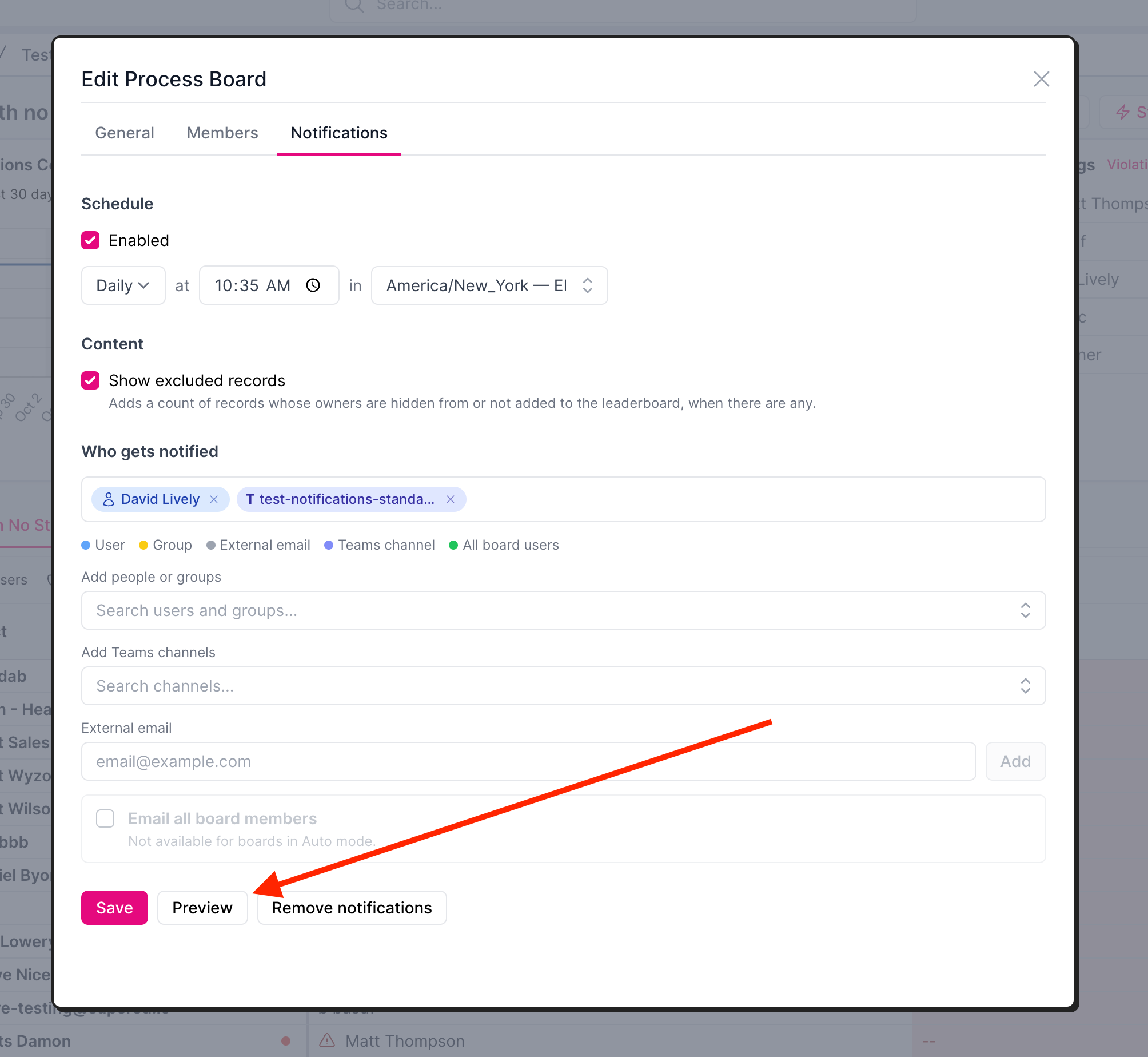
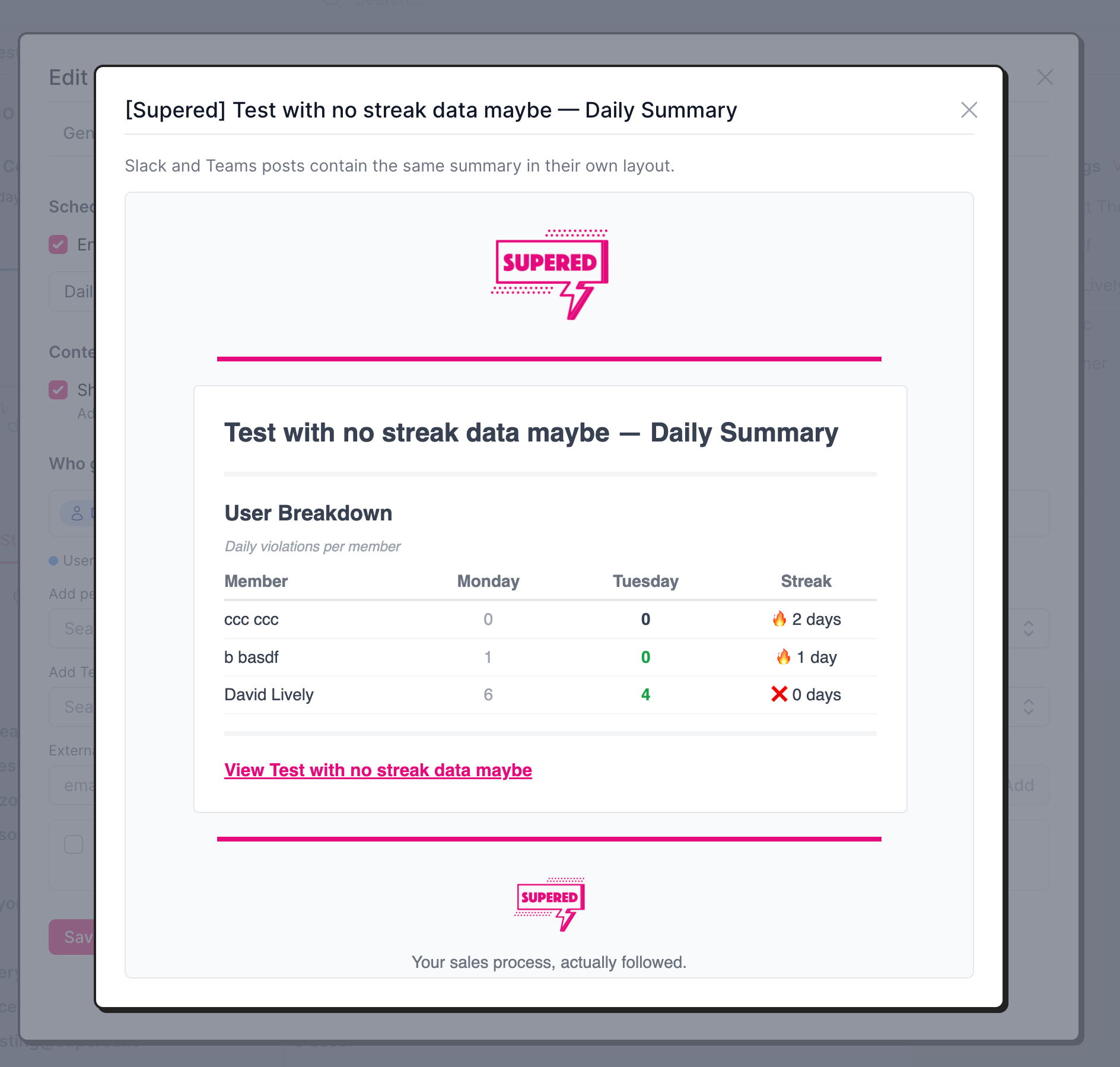
Process board notification settings now include a Preview button that shows what the notification will look like based on your current settings.
What's new
Preview button: Available on the Notifications tab of a process board.
Navigation path: Process → Process Boards → 3 dots next to board name and click Edit OR click into a board and select the gear icon next to board name → Notifications
Based on current settings: The preview reflects your current notification settings, so you can see what the notification will look like before it goes live.
Benefit
Catch setting mistakes without waiting for a live release.