New Feature: Update CRM Records Via Process Boards
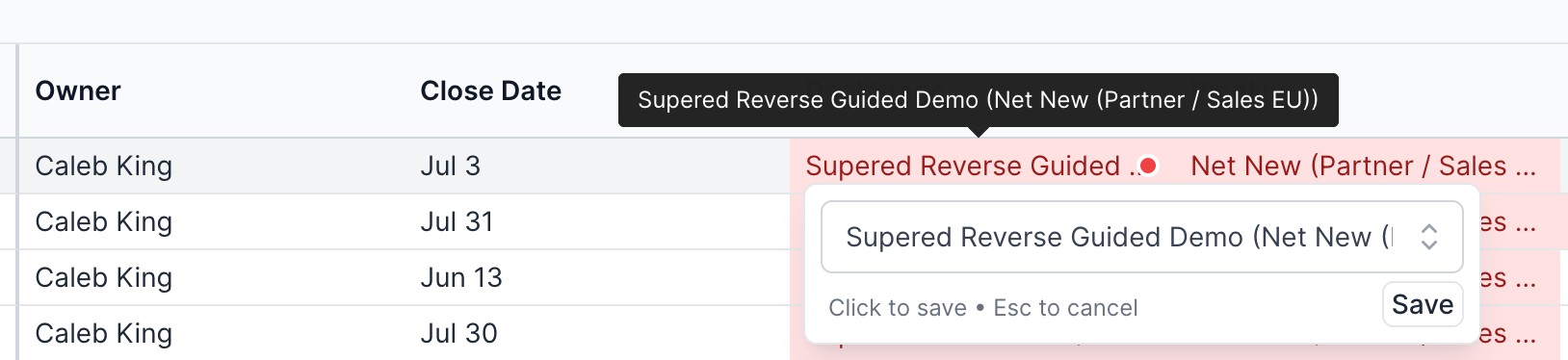
You can now directly edit your CRM records from a process board.
Benefit:
This makes it quick for reps to adjust a value (i.e. deal stage, close date, deal amount, etc.) from the same place they see the violation.
How to turn this new feature on:
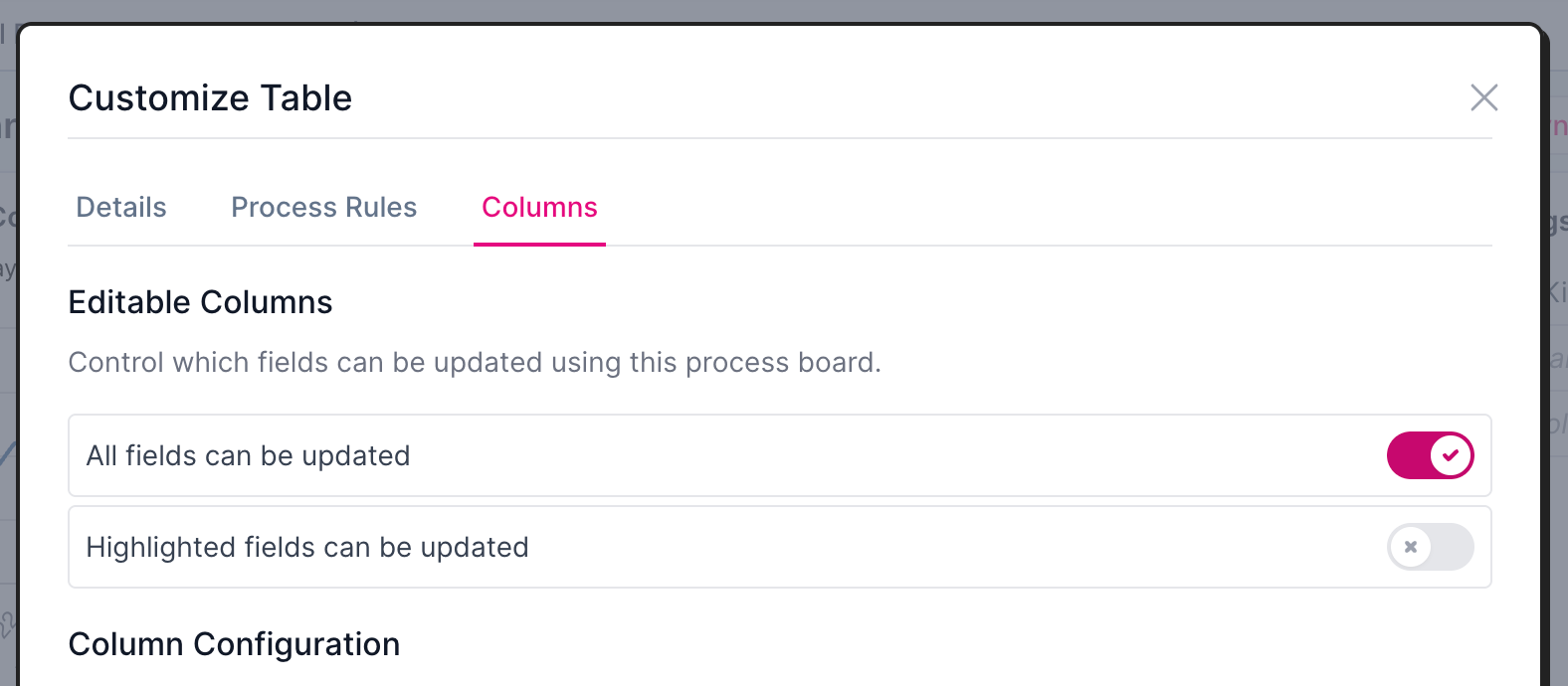
Board settings modal:
Per board: You must turn this feature on per-process board.
Click flow: Click into the process board → Click the gear icon for settings within the board itself → Toggle your selected choices (all fields or highlighted fields can be updated).