Changelog

Follow new updates and improvements to Supered.

Improved Feature: Bulk Operations for Process Rules + Content

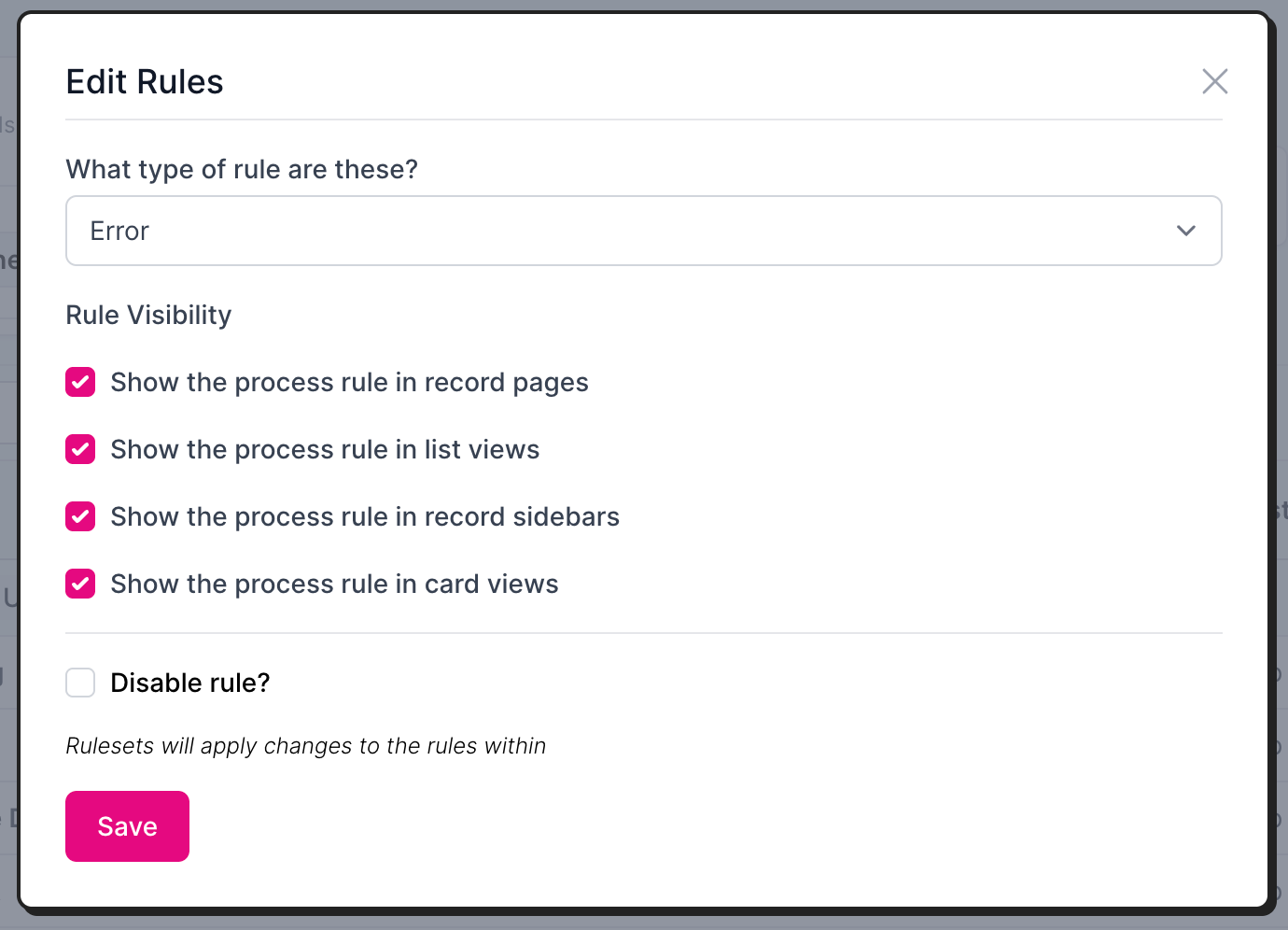
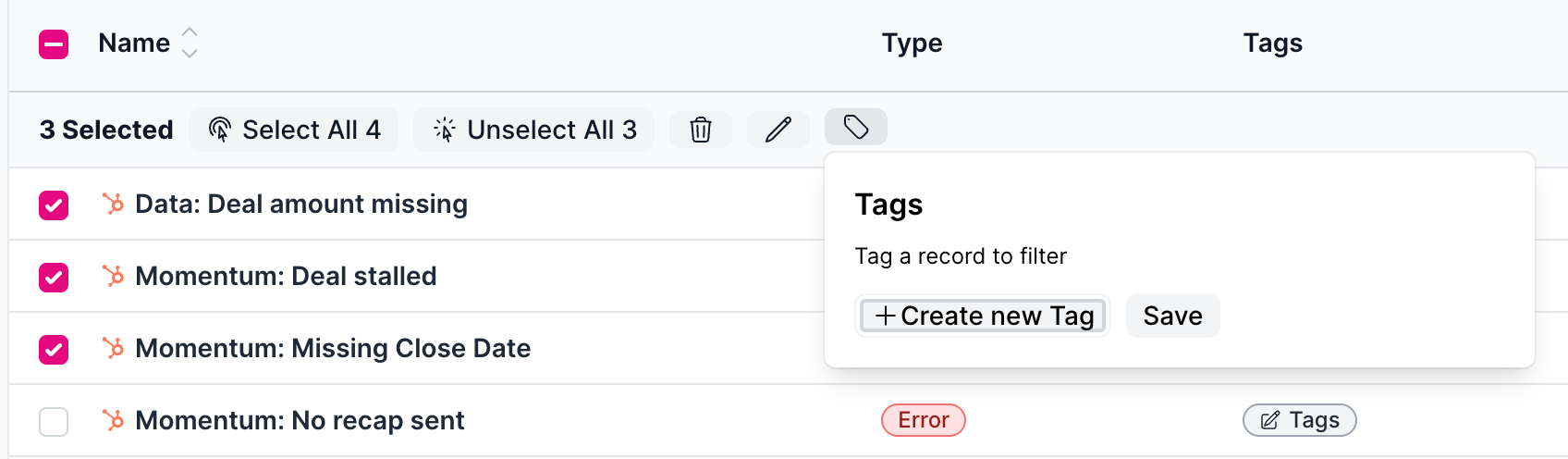
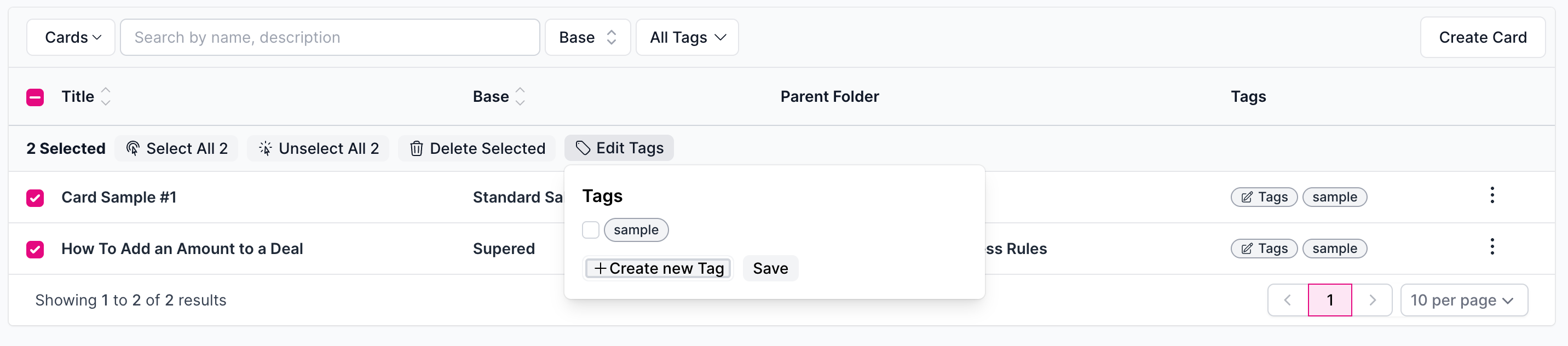
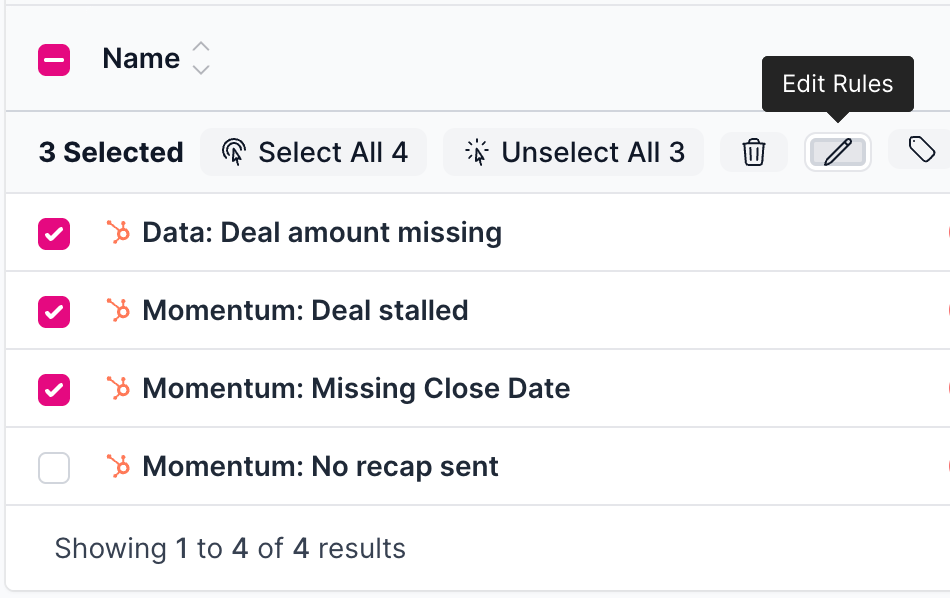
We have added some bulk operations for process rules and card content so you can update rules and edit tags more efficiently.

These include:

  • Bulk update of rule type via the “Edit Rules” button

  • Bulk disabling of rules via the “Edit Rules” button

  • Bulk tagging to rules via the “Edit Tags” button

  • Bulk tagging to content via the “Edit Tags” button from Content → Cards page.
Improved Feature: Change Custom Owner of Process Board

Setting available: Change “object owner field” with the drop down.

  • Alert: Changing the process board owner will affect the accuracy of historical analytics.

  • One owner field: Boards with only one owner field will have the option greyed out.

How to:

  1. Click Processes.

  2. Click into the process board you want to update.

  3. Click the gear icon on the top right corner of the board list.

  4. Select the option in the “Object Owner Field” dropdown that fits your desired view.

  5. Click Save.

New Feature: Added a "Create Content" Button

You can now create a piece of content directly from the content page instead of a base.

Applies to:

  • Creating new cards

  • Creating new triggers

  • Creating new action plans

  • Editing existing cards

How to create content on the content page:

  1. Click Content on the left side panel.

  2. Select the type of content you want to view and create.

    • This is located on the top left with a drop down

      • Cards

      • Card Triggers

      • Action Plans

  3. Then you can select Create Card, Create Card Trigger, or Create Action Plan.

    • Each of these options are located on the top right corner based on the type of content you chose to view.

  4. To edit a card in content: Click the 3 dots on the right of the card and click Edit.

Earlier updates